
3D camera control lets you choose the viewing angle of AI-generated images. You can look at subjects from above, below, or any angle you want. This guide explains two ways to control the camera: sliders and natural language.
What is 3D Camera Control?
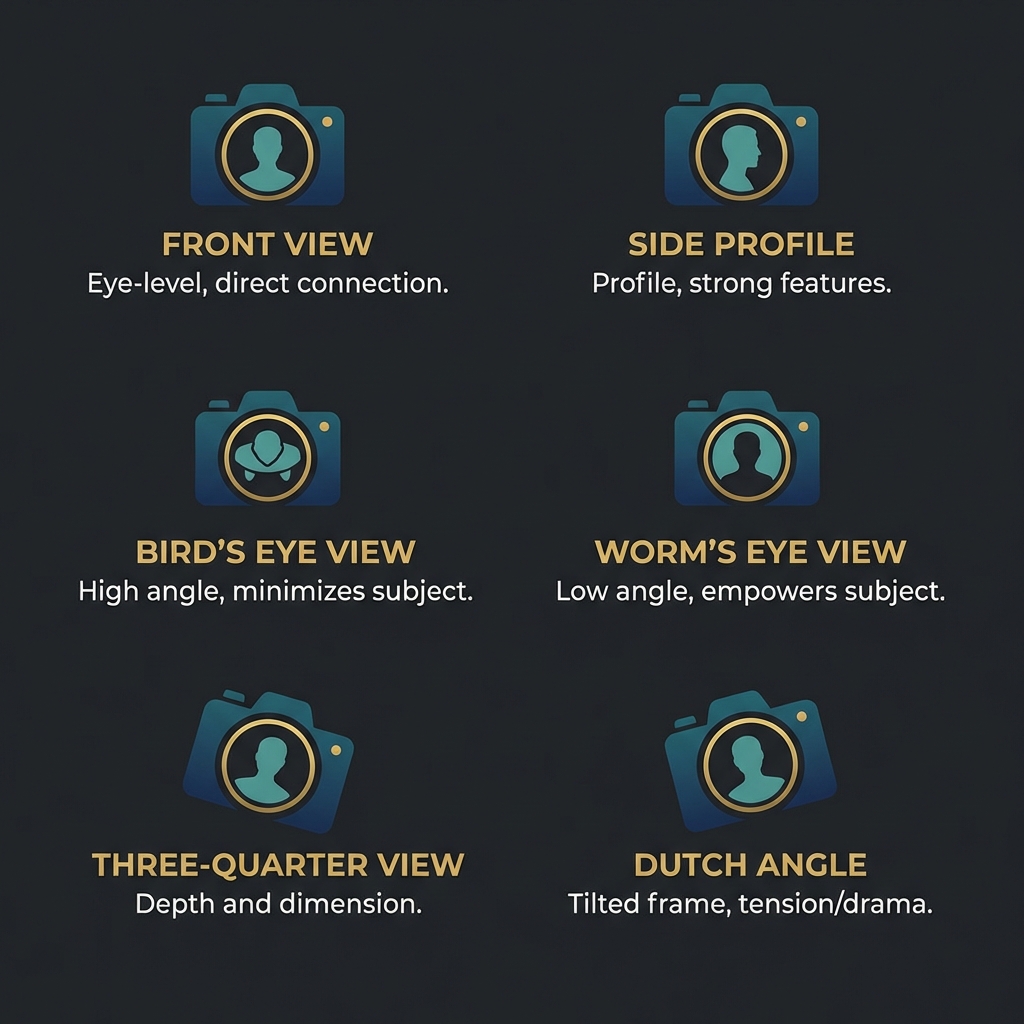
When AI creates an image, it picks a camera angle. Usually, you get a front view. But sometimes you want:
- A view from above (bird's eye)
- A view from below (worm's eye)
- A side angle (profile)
- A tilted angle (Dutch angle)
3D camera control gives you this power.
The Slider Method (Qwen Style)
Qwen models use number sliders. You set values like:
- Azimuth: 0 to 360 degrees (left-right rotation)
- Elevation: -90 to 90 degrees (up-down tilt)
This works but has problems:
- You must know what the numbers mean
- Small changes need many tries
- Most people find it confusing
The Natural Language Method (GLM Style)
GLM-4 understands camera terms from movies and photography. Instead of numbers, you write words like:
- "low angle shot looking up at the hero"
- "aerial view of the city at sunset"
- "over-the-shoulder shot, shallow depth of field"
- "Dutch angle, 45-degree tilt"
The AI knows what these mean. You get the angle you want without math.
Example Prompts for Different Angles
Try these prompts in our generator:
- Front view: "portrait photo, eye level, facing camera"
- Side view: "profile shot, side angle, dramatic lighting"
- Top-down: "bird's eye view, looking straight down"
- Low angle: "worm's eye view, heroic pose, looking up"
- Three-quarter: "45-degree angle, slightly above eye level"
Which Method is Easier?
For most people, natural language is easier. You describe what you see in your head. GLM-4 figures out the angles.
Try it now. Go to our generator and add camera terms to your prompt.